

Libraries are brilliant places to introduce VR to new audiences. They offer safe, intimate spaces and attract people who are often already curious and open to learning.
For phase 2 of our Digital Spaces project we worked with VR expert Kelman Greig-Kicks and Zillah Watson to create well-organised and enjoyable experiences for users across several different libraries. Here we share our recommendations.
Offer content with wide appeal
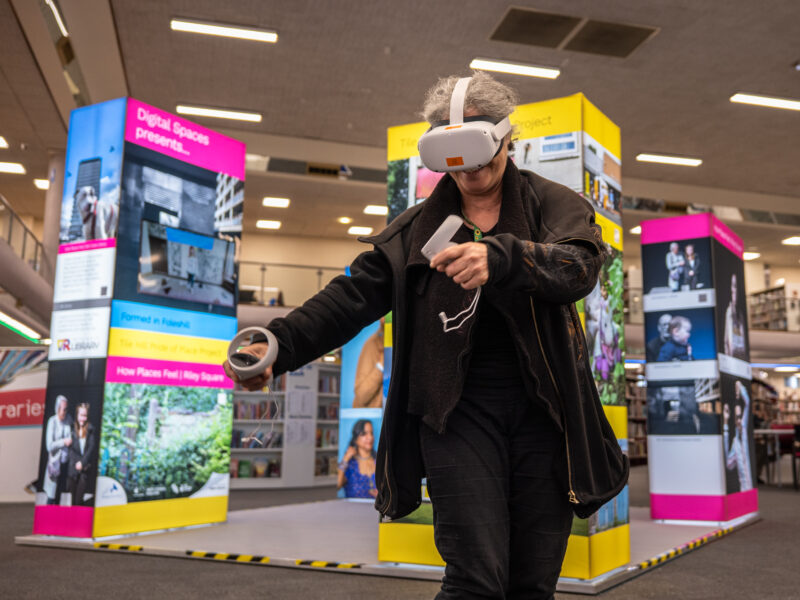
Our experience shows that audiences gravitate towards adventurous and memorable immersive experiences, where the VR creates an opportunity to explore a new world, or take part in an interactive gaming experience. From David Attenborough’s In Your Hands to The Philharmonia’s Lark Ascending and a Wallace & Gromit-themed game, we kept our content varied, and chose experiences that would appeal to a wide audience.
Some experiences are easier to facilitate than others – games, for instance, often require more space and supervision from library staff, while films are usually very easy to manage.
The headsets matter – and so does the licensing for them
The headset you choose to work with will affect the scope of your content, as each one has a different library of content to draw on. We chose the Meta Quest 3 headset as it has a rich and varied ecosystem of content available, but there are plenty of others to choose from. The Pico 4 Ultra Enterprise, for instance, is very similar to the Meta Quest 3 but has a more robust management system, and can be more comfortable for glasses wearers.
Just be aware when you’re making your choices that licensing the content can be a long process. There is no marketplace for licences yet, so it involves negotiating contracts and ensuring you adhere to the agreed terms. This can be a lot of admin for an individual library service, so it’s worth considering grouping together with other services or a delivery partner, which will also make it easier to negotiate preferable terms and rates.
Keep it human
Making the experience friendly and personable can remove the ‘impersonal’ aura that sometimes surrounds digital technology. Find staff within the library network who are interested in digital technology and invite them to be part of the in-person experience, where they can pass on their enthusiasm to members of the public. Make sure staff experience the VR films themselves, so they can get users excited about the content.
“Our experience in Somerset has shown that the technology is only part of the equation. The real success comes from enthusiastic staff who are confident using the headsets and can encourage others to give them a try. We found that allowing staff to explore the experiences beforehand helped them feel comfortable answering questions and supporting participants.”
- Olly Hellis, Digital Development Officer, Somerset Libraries
Ensure staff are fully briefed
We provided hands-on onboarding for library staff so that they themselves were familiar with the headsets and the content. It’s also a good idea to have a crib sheet that lays out clearly what staff need to do to before, during and after the VR experience. We’ve shared an example crib sheet here.
Having written instructions, for instance, on how to charge the headsets, plug in the headphones, give instructions to the user, will help ensure a smooth process and put both staff and visitors at ease.
Encourage group experiences
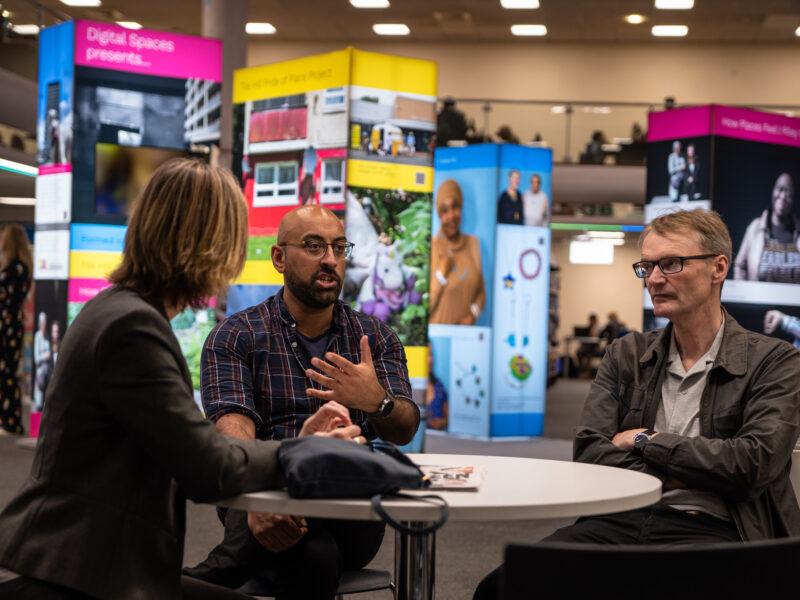
If resources allow, it’s best to have at least a couple of people involved at any one time – sharing the experience can make people less self-conscious and help them to relax into the immersive world. It also brings people together and opens up the opportunity for conversation afterwards.
Keep it simple
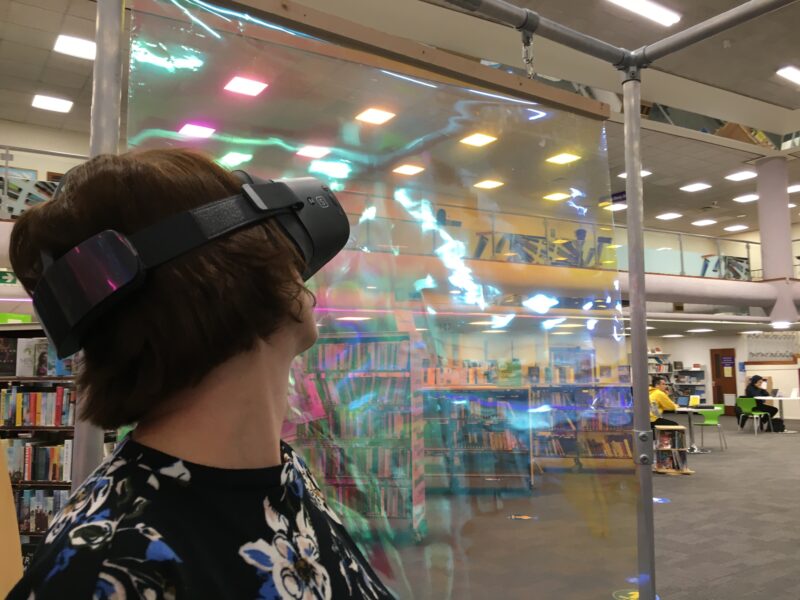
We kept the technical aspect as simple as possible. We replaced handheld controllers (which can be confusing when you’re new to VR) with an app that allows users to make selections by looking at icons within the headset. Keeping the experience streamlined meant all the users’ attention could be focused on the content itself. We made sure that a member of staff from the library was always on-hand to provide a sense of safety and assistance if needed – but most people can navigate the app themselves.
“My advice for libraries starting out would be to keep things simple, choose engaging content, and focus on creating a relaxed and welcoming experience. Some of the most memorable moments came from the conversations that the VR tours sparked among participants, particularly when they could share memories and reactions with others afterwards.”
- Olly Hellis, Digital Development Officer, Somerset Libraries
Create the best environment possible
The user will often need to rotate 360 degrees during a VR experience, so we found that providing simple stools without wheels are best – they allow total freedom of movement, but keep the user grounded! Allow about 3m2 per user, to ensure they don’t bump up against anything. There isn’t an absolute right and wrong here though, so don’t worry if you feel like you don’t have the exactly the right kind of chair.
Provide safe bag storage
It can feel uncomfortable to step out of your environment and immerse yourself in a new world, so helping people feel at ease and safe in the environment is key to a rewarding experience. Offering lockers or another safe storage option for belongings will help users relax and let go of worry.
Get creative with your communities
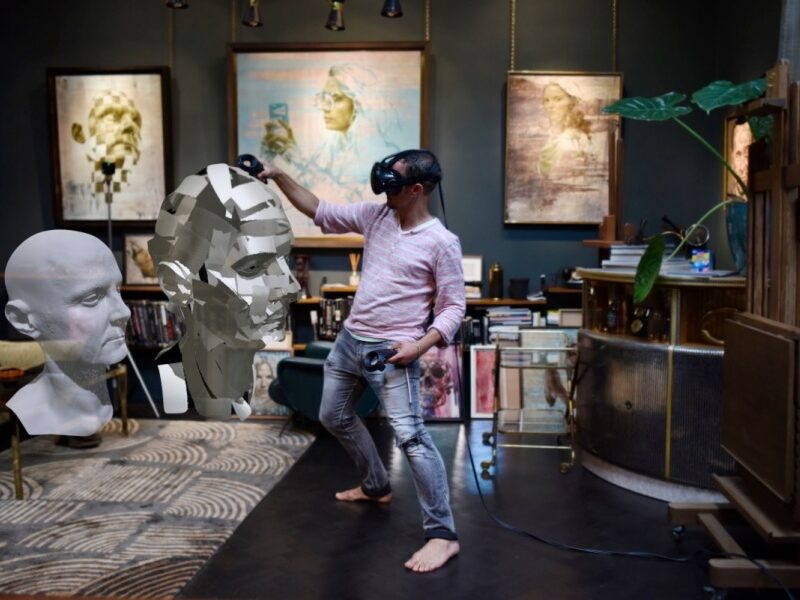
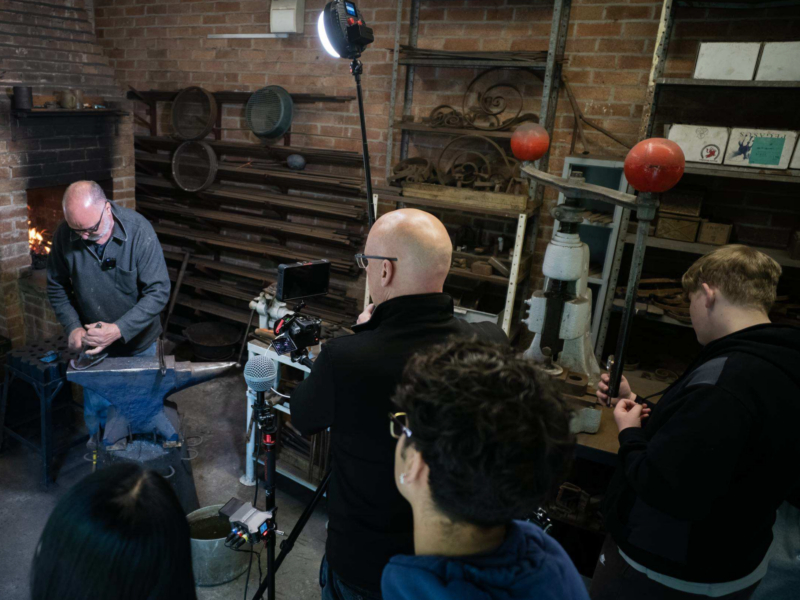
Enjoying a VR film or game as a user is already a highly engaging experience, but what if you could involve your community in actually creating a piece of virtual reality? We did exactly that in phase 2 of Digital Spaces. To turn users into creators, we ran workshops with community members and then uploaded the films made as part of these masterclasses to the Digital Spaces films app – an app we made especially for the project in a VR180 format. We hope this is just the first step in creating an immersive archive of cultural life all around the UK.
How useful was this resource?
Further reading
